

Helpdesk SoftwareThe Complete Guide for Modern Teams
Helpdesk software is the dedicated platform modern teams use to efficiently centralize, manage, and resolve all support requests. This guide covers its functions, benefits, and how to choose the right helpdesk software.


What Is Helpdesk Software?
Helpdesk software is a core centralized platform, often referred to as a help desk system, specifically engineered to manage and simplify all incoming employee support requests.
The fundamental component of any system is the ticketing system. This mechanism automatically captures communications from various channels such as email, phone, web forms, and chat and instantly converts them into a trackable, manageable record known as a support ticket or issue.
The helpdesk platform acts as the single point of contact for users, guaranteeing that no request is overlooked, duplicated, or lost. It provides the essential structure required for every issue, whether technical or nontechnical, to be systematically logged, correctly prioritized, appropriately assigned to an agent, and efficiently resolved.
When utilized internally, this becomes IT helpdesk software. In this context, the focus shifts to supporting employees with their operational questions, technical problems, or administrative queries. By providing a clear process for handling internal requests, the system minimizes employee downtime and significantly enhances overall workplace productivity.
Why Modern Teams Need Helpdesk Software
Relying on fragmented tools like shared inboxes and spreadsheets for support leads to a chaotic and inefficient process. This archaic approach often results in overlooked requests and poor visibility, failing to meet modern service expectations. From small businesses to vast enterprise helpdesk software users, requires helpdesk solutions to manage complexity, scale operations, and truly thrive. The adoption of a dedicated helpdesk system transforms support from a reactive cost center into a strategic asset.
- Centralized Request Management: A unified ticketing software captures all support requests into one single location. This centralization prevents tickets from being dropped, ensures no issue is duplicated, and provides a comprehensive view of the entire support workload. This is especially vital for teams handling a high volume of requests across multiple channels.
- Enhanced Efficiency and Accountability: A well-structured support ticket system provides immediate clarity. By clearly assigning and tracking ticket status, agents know precisely who is responsible for resolving a given issue and its current stage. This elimination of ambiguity leads directly to streamlined workflows, optimized resource allocation, and significantly faster resolution times.
- Improved Customer and Employee Experience: The delivery of prompt, organized, and consistent support directly correlates with increased satisfaction levels. This high quality experience is crucial not only for external customers but also for internal employees seeking IT support ticketing system assistance for technical, HR, or operational queries, minimizing their downtime and boosting morale.
- Better Data Driven Decisions: Modern systems are built to generate comprehensive helpdesk reporting and analytics. These tools provide deep, actionable insights into common issues, peak request times, agent performance metrics, and bottlenecks in existing processes. This wealth of data allows managers to optimize staffing, enhance the knowledge base software, and drive continuous process improvement.
- Meeting Service Level Agreements (SLAs): Helpdesk platforms incorporate robust SLA management software functionality. This ensures your team can define, monitor, and adhere to specific commitments regarding response and resolution times for different request types. Automatically tracking these obligations is essential for maintaining consistent professionalism, fulfilling contractual agreements, and building long term customer trust.
- Scaling Support Operations: Whether you are a growing startup or a large corporation, manual processes quickly hit a wall. Helpdesk software provides the foundational structure and helpdesk workflow automation necessary to handle increasing ticket volumes without linearly increasing staff, making support operations scalable and sustainable.
Take the next step toward better support operations.
Core Features of Helpdesk Software
The best helpdesk software offers a comprehensive suite of helpdesk tools to facilitate easy support operations.
AI Helpdesk Software: Leveraging Artificial Intelligence is the future of support. AI helpdesk software performs tasks like sentiment analysis on incoming requests to flag angry customers immediately, provides automated response suggestions to agents, and powers smart chatbots for instant, 24/7 self service. This intelligence helps scale service without scaling staff.
Ticket Management: This is the fundamental, nonnegotiable feature of any helpdesk platform. It involves the systematic process of creating, logging, categorizing, prioritizing, and assigning support tickets. Agents use robust tools to manage tickets based on severity (e.g., high priority technical outages versus low priority general queries), ensuring that critical issues are addressed first and that no request falls through the cracks. This capability is the foundation of effective helpdesk ticket management.
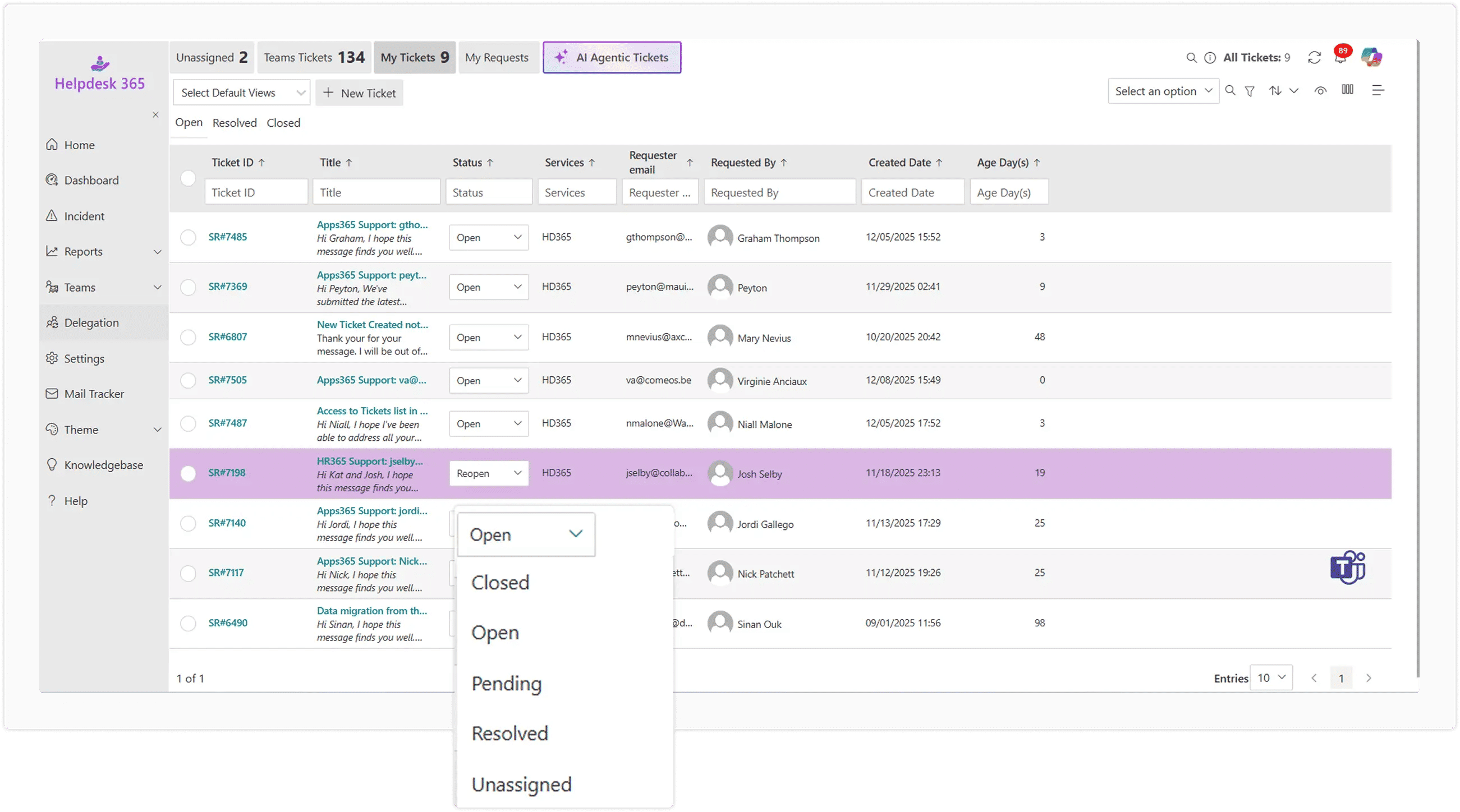
Multi Channel and Omnichannel Helpdesk: Understanding how users communicate is key. A multi channel helpdesk supports interaction across different tools like email, phone, and web chat. A true omnichannel helpdesk, however, unifies the entire customer interaction history from all sources, including social media, into a single, effortless agent view. This maintains full context, preventing customers from having to repeat their issue and leading to faster, more personalized service.
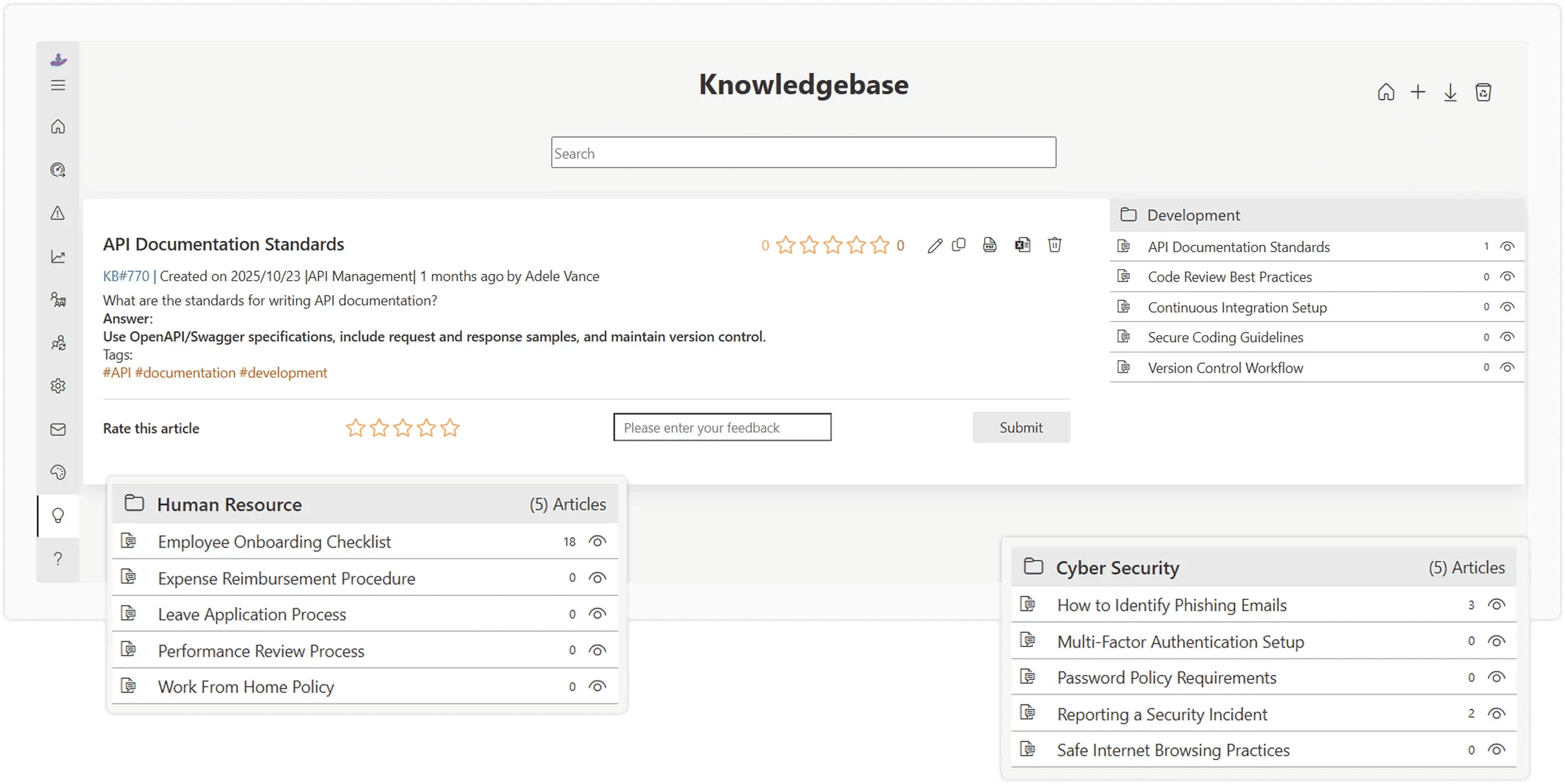
Knowledge Base Software and Self Service: These features are a critical component for ticket deflection and cost savings. Knowledge base software provides the tools for agents to create, organize, and manage a repository of informative articles, guides, and Frequently Asked Questions (FAQs). A connected self service helpdesk portal allows users to search and find solutions independently, drastically reducing the volume of simple, incoming tickets and empowering customers and employees alike.
Helpdesk Workflow Automation: Automated helpdesk software uses predefined business rules to intelligently handle time consuming and repetitive tasks. This includes automatic ticket routing to the correct department or agent, triggering follow up notifications, sending satisfaction surveys, and automatically closing tickets after a period of user inactivity. This automation significantly boosts agent productivity and ensures consistent application of support policies.
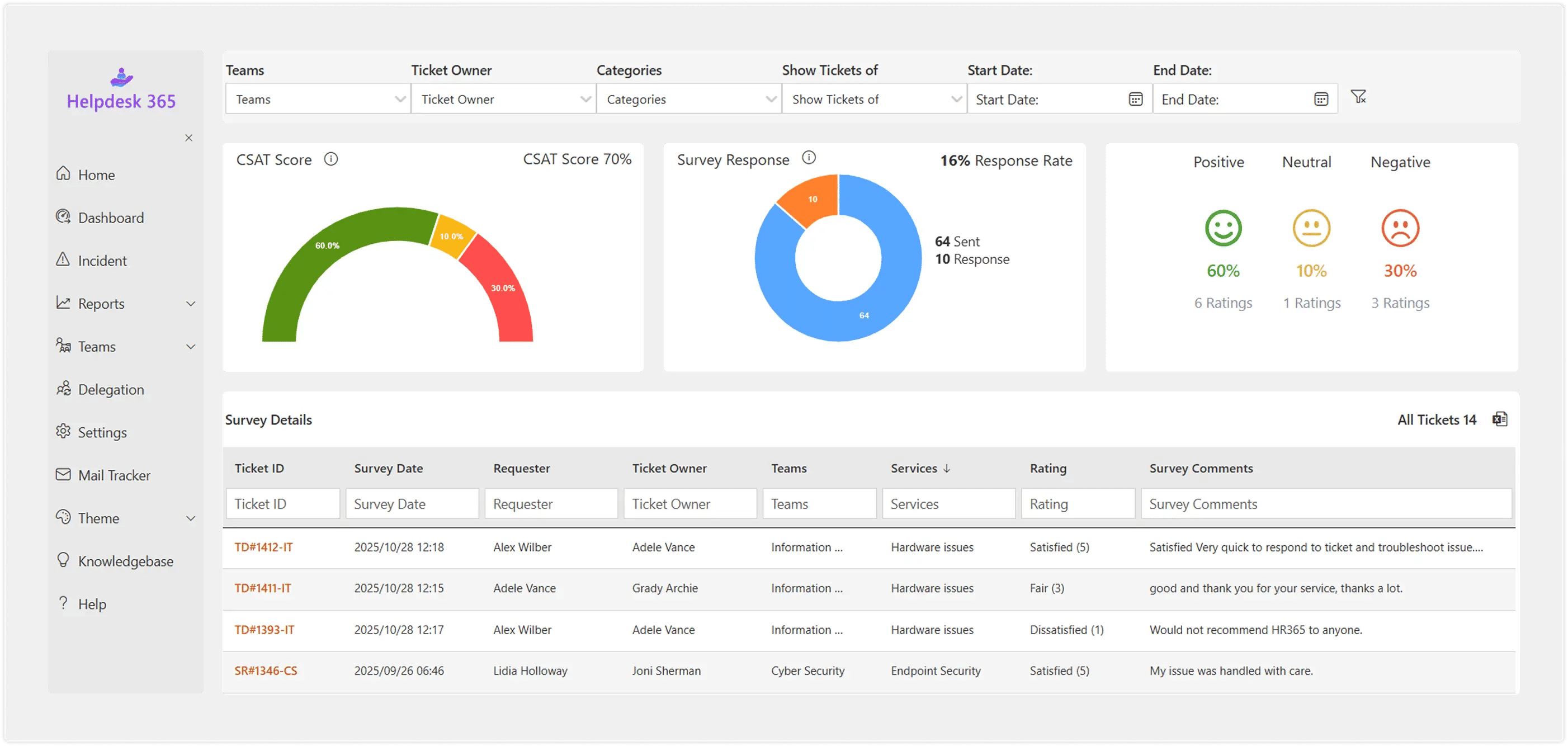
Reporting and Analytics: For continuous improvement, a system must generate clear helpdesk reporting and helpdesk analytics. These tools allow for a deep dive into crucial performance metrics such as agent response time, average resolution time, ticket volume trends, and Customer Satisfaction (CSAT) scores. This data provides the objective insights required for managers to optimize processes and make better data driven decisions.
Elevate your support system and empower collaboration with Helpdesk Software.
How To Choose the Right Helpdesk Software
Selecting the online helpdesk software that is right for your organization requires careful consideration of your specific needs, whether you are a helpdesk for small business or an enterprise helpdesk software user.
Define Your Audience and Scope
The first critical step is clearly defining who your support system is for. Are you primarily looking for a platform to handle external customer support and sales queries? Or is the focus on internal helpdesk software or IT helpdesk software designed to assist employees with HR, Facilities, or technical issues? Clarifying the audience, and the types of tickets they submit, will immediately filter the market and guide your feature requirements.

Identify Must Have Features
Resist the urge to choose the most feature rich platform. Instead, prioritize the specific functionalities you absolutely need. Determine if your operation requires omnichannel helpdesk capabilities to unify interactions across all channels (chat, social, email, phone), or if a simpler email-to-ticket system is sufficient. Crucially, assess whether SLA management software functionality is essential to meet strict response and resolution time commitments. Prioritizing features ensures you invest in a solution that solves your core problems.
Evaluate Integration
The selected helpdesk platform must integrate seamlessly with your existing technology stack. Look for native connectors to your Customer Relationship Management (CRM) system, Enterprise Resource Planning (ERP) platform, and internal project management tools. Deep integration is vital for enabling efficient helpdesk workflow automation, such as syncing customer data or linking support tickets directly to development tasks. If your organization relies heavily on Microsoft products, look specifically for native SharePoint helpdesk solutions for cohesive operation.
Test for User Friendliness
The success of any help desk system hinges on adoption. The interface must be intuitive, clean, and easy to navigate for both the support agents using it daily and the end users submitting requests. A complex or poorly designed system will lead to agents resisting its use and customers abandoning the self service portal, ultimately resulting in poor support efficiency and lower satisfaction. Always prioritize hands on testing.
Assess Scalability
Choose a solution built to grow with your company. What works perfectly for a five-person helpdesk for small business may quickly become unsustainable when ticket volume triples or you expand into global markets. Evaluate the platform’s ability to handle increased ticket volume, new agent licenses, additional languages, and complex future needs without requiring a costly and disruptive migration to a new helpdesk platform.
Here are 10 best Helpdesk Software Solutions
| Rank | Software Name | Best For | Key Highlight |
|---|---|---|---|
| 1 | Helpdesk 365 | Microsoft 365 & Internal Support | Built for Microsoft Teams and SharePoint, with centralized ticketing, automation, custom workflows, SLA management, dashboards, and multi-department support. |
| 2 | Zendesk | Large Enterprises & Omnichannel Support | Brings email, chat, phone, and social media into one workspace, with AI, automation, advanced reporting, customizable workflows, and broad integrations. |
| 3 | Freshdesk | Small to Mid-Sized Multichannel Teams | Combines an intuitive interface with omnichannel support, Freddy AI, workflow automation, team collaboration, a knowledge base, and SLA reporting. |
| 4 | Jira Service Management | IT Teams & DevOps | Connects IT service management with Jira development workflows, supporting incidents, changes, automation, asset management, and Confluence knowledge bases. |
| 5 | Zoho Desk | Affordable Customer Support | Provides multichannel support, Zia AI, automated ticket assignment, self-service, reporting, and strong integration with the broader Zoho ecosystem. |
| 6 | BoldDesk | Simplicity & Modern UI | Offers straightforward ticket management, a clean interface, customizable dashboards, automation, collaboration tools, knowledge bases, and customer portals. |
| 7 | ServiceNow | Enterprise ITSM | Designed for complex enterprise service workflows with incident, problem, and change management, AI automation, integrations, self-service, and real-time reporting. |
| 8 | Kayako | Customer Journey Support | Focuses on customer context by bringing previous interactions, multichannel conversations, live chat, workflows, self-service, and customer insights together. |
| 9 | HappyFox | Growing & Scalable Support Teams | Supports expanding teams with multichannel ticketing, workflow automation, analytics, collaboration, knowledge bases, and multi-department support. |
| 10 | SysAid | IT Asset Management + Helpdesk | Combines helpdesk ticketing with IT asset management, allowing teams to connect tickets with hardware, software, licenses, automation, remote support, and SLA reporting. |
1. Helpdesk 365 – Best for MS Teams & SharePoint
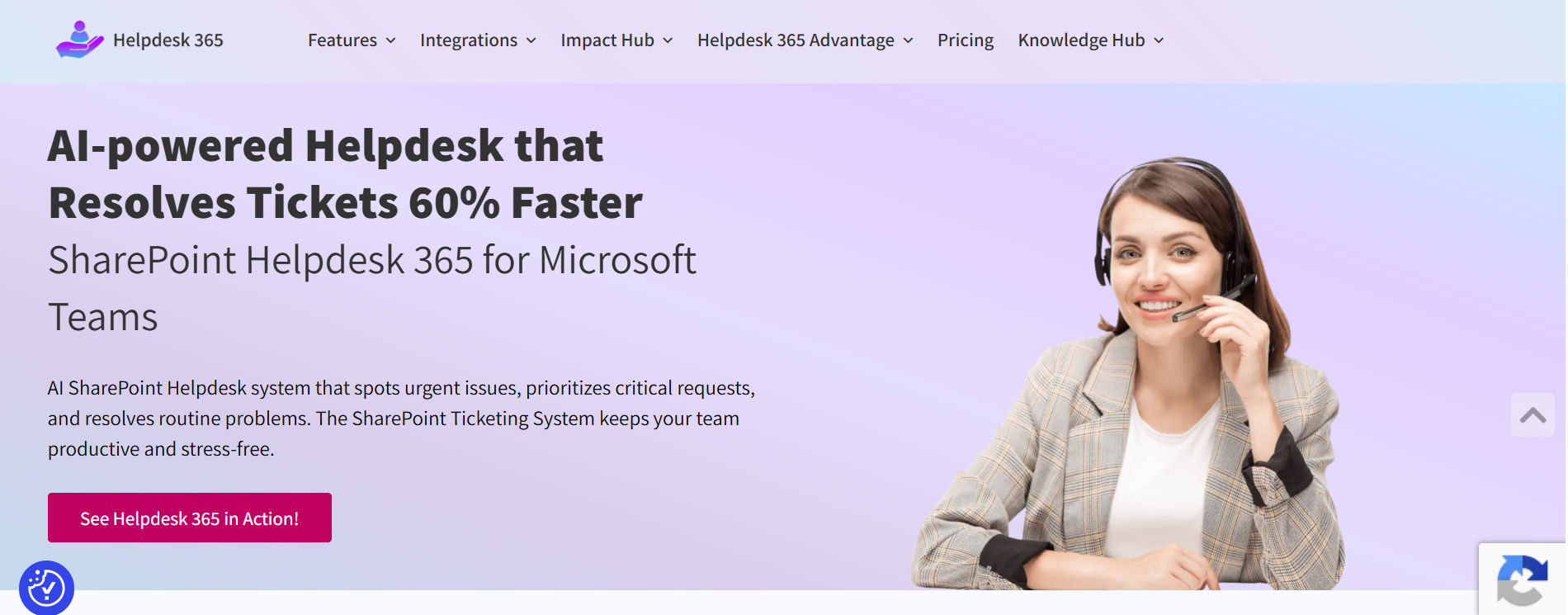
If your organization already uses Microsoft 365, Helpdesk 365 offers a simple way to manage support requests directly within Microsoft Teams and SharePoint. Employees and support teams can raise, track, and resolve tickets without constantly switching tools.
Why Helpdesk 365 Stands Out
Its biggest advantage is its deep Microsoft 365 integration. Tickets can be created from Teams, email, or SharePoint, while agents manage everything from one centralized dashboard.
Key Features
- Teams Integration: Create and track tickets inside Teams.
- SharePoint Ticketing: Manage requests within SharePoint.
- Automation Rules: Automatically route tickets to the right team.
- Custom Workflows: Configure priorities, categories, and SLAs.
- Analytics & Dashboards: Monitor ticket and agent performance.
- Knowledge Base: Enable employee self-service.
Multi-Department Support: Support IT, HR, Facilities, and more.
Who Is It For?
Helpdesk 365 is ideal for organizations already using Microsoft 365 that want a familiar, centralized support system for IT, HR, and other departments.
Pricing & Value
Its subscription-based pricing and Microsoft 365 integration can help organizations reduce the need for additional standalone support tools.
2. Zendesk – Best for Large Enterprises

Zendesk is a well-known helpdesk platform built for organizations managing large customer support operations across multiple channels.
Why Zendesk Stands Out
Zendesk brings email, chat, phone, and social media conversations into one workspace. Its automation and AI capabilities also help teams route tickets, reduce repetitive work, and handle high support volumes.
Key Features
- Omnichannel Support: Manage email, chat, voice, and social channels.
- AI & Chatbots: Automate responses and ticket triage.
- Advanced Reporting: Track performance and customer trends.
- Custom Workflows: Support complex business processes.
- Marketplace Integrations: Connect with a wide range of apps.
- Knowledge Base: Offer customer self-service.
Who Should Use Zendesk?
Zendesk suits large organizations with high ticket volumes, multiple support channels, and complex service workflows.
Pricing & Considerations
Zendesk offers powerful enterprise features, but costs can increase as teams grow and add advanced capabilities.
3. Freshdesk – Best for Multichannel Support
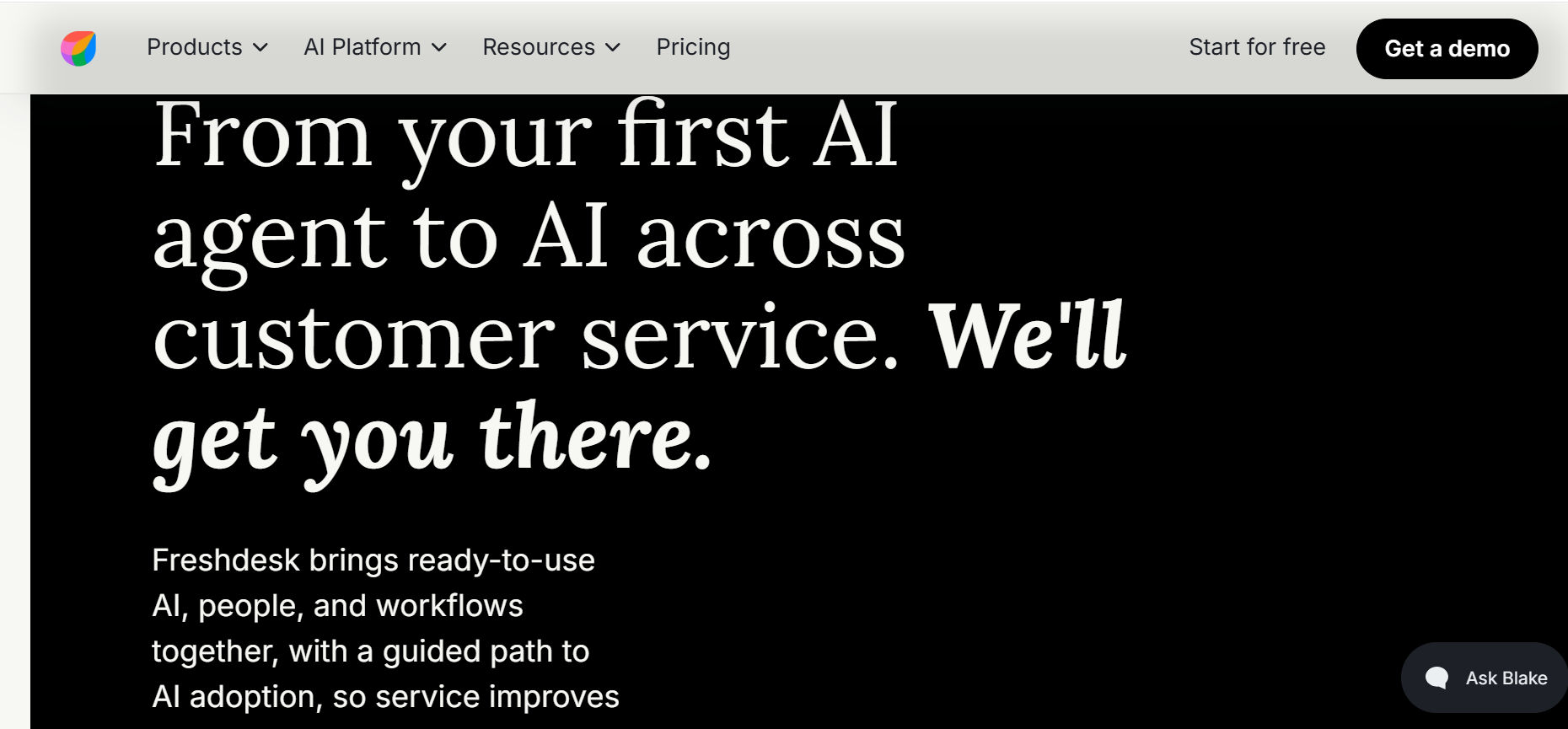
Freshdesk helps businesses manage customer conversations across email, chat, phone, and social media from one platform.
Why Freshdesk Stands Out
Its simple interface and strong multichannel capabilities make it easy for support teams to manage requests without unnecessary complexity. Automation and collaboration tools further improve response times.
Key Features
- Omnichannel Helpdesk: Manage multiple support channels.
- Freddy AI: Automate common responses and support tasks.
- Team Collaboration: Use shared inboxes and internal notes.
- Custom Workflows: Automate ticket routing and escalations.
- Knowledge Base: Provide self-service answers.
- Reporting: Track SLAs and agent performance.
Who Should Use Freshdesk?
Freshdesk is a strong fit for small and mid-sized businesses that need simple multichannel customer support.
Pricing & Considerations
Its range of plans makes it accessible to growing teams, with more advanced capabilities available in higher tiers.
4. Jira Service Management
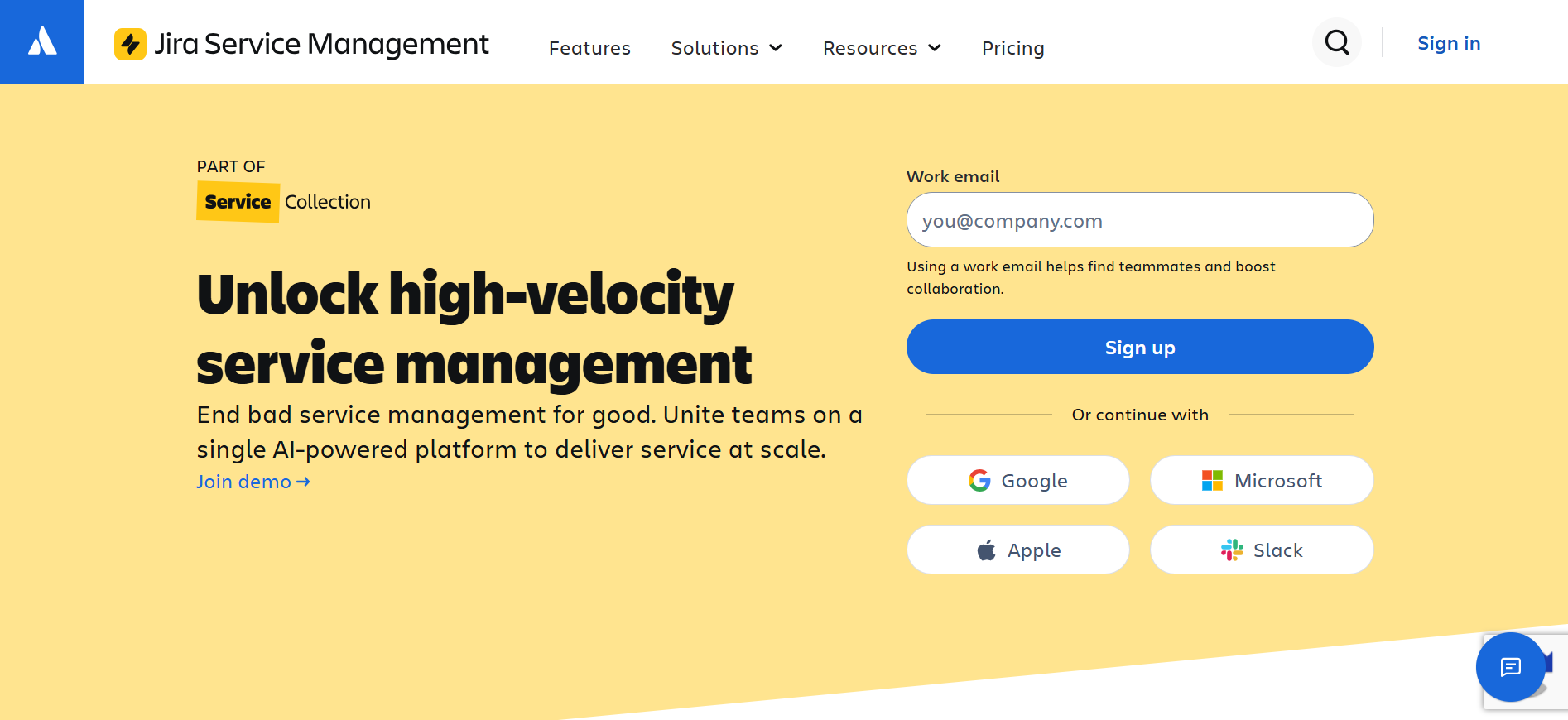
Jira Service Management is built for IT, DevOps, and technical teams that want to connect support requests with development workflows.
Why Jira Service Management Stands Out
It combines IT service management with Jira’s development ecosystem, helping IT and engineering teams collaborate on incidents, changes, and service requests.
Key Features
- Incident, Problem & Change Management: Support structured ITSM workflows.
- Jira Software Integration: Connect support and development teams.
- Custom Portals: Build service portals for different departments.
- Automation Rules: Automate ticket assignments and SLA tracking.
- Asset Management: Track assets and dependencies.
- Knowledge Base: Integrate with Confluence.
Who Should Use Jira Service Management?
It is best suited for IT departments, DevOps teams, and organizations already using Atlassian products.
Pricing & Considerations
Jira Service Management offers plans for different team sizes, with advanced ITSM capabilities available in higher tiers.
5. Zoho Desk – Best Affordable Helpdesk
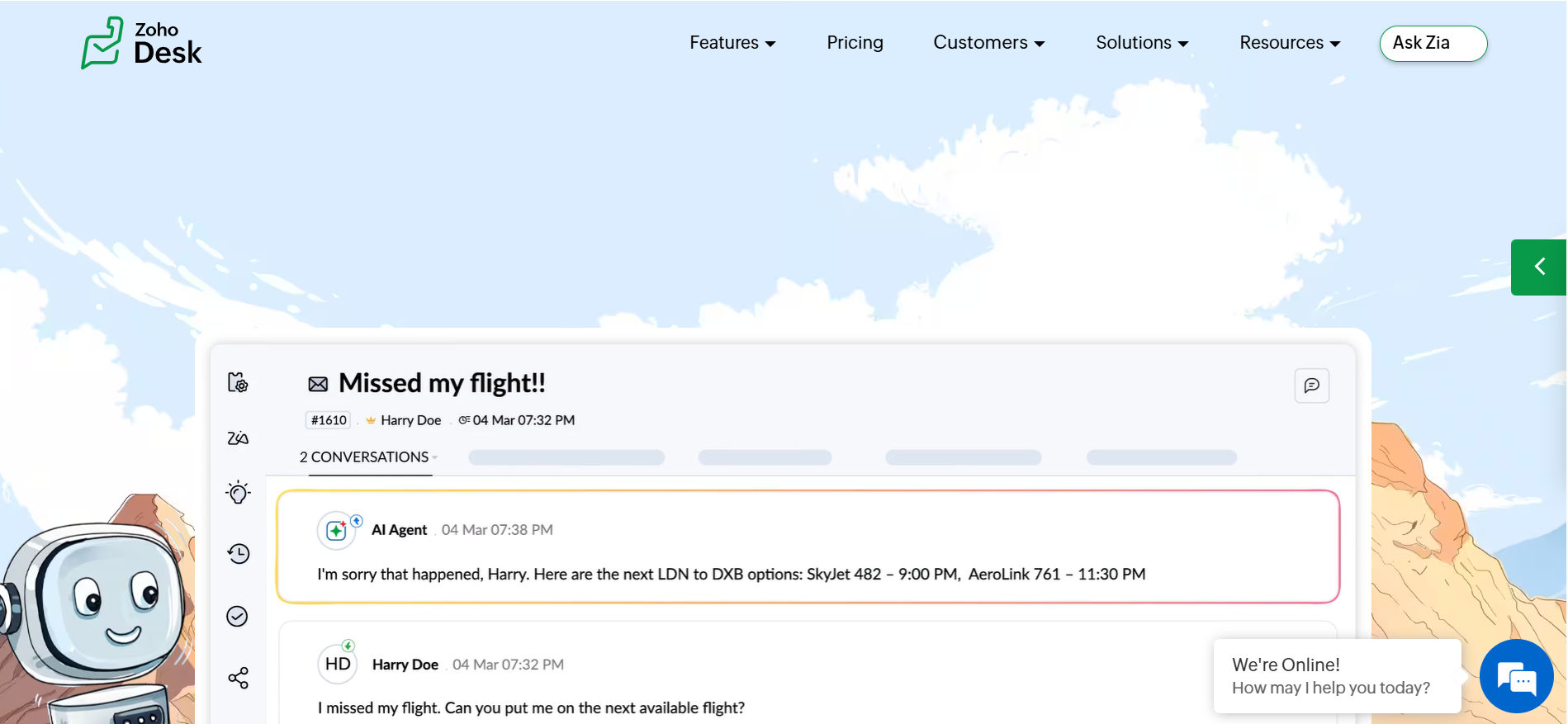
Zoho Desk combines ticketing, automation, reporting, and multichannel support in a cost-conscious helpdesk platform.
Why Zoho Desk Stands Out
It offers useful helpdesk features without the complexity of many enterprise platforms. Businesses already using Zoho products can also connect support with CRM and other business tools.
Key Features
- Multichannel Support: Manage email, chat, phone, and social requests.
- Zia AI: Support agents with suggestions and insights.
- Workflow Automation: Auto-assign tickets and trigger actions.
- Self-Service: Offer portals and knowledge resources.
- Zoho Integrations: Connect with CRM and other Zoho apps.
- Analytics: Monitor support performance and SLAs.
Who Should Use Zoho Desk?
Zoho Desk is well suited for startups, small businesses, and growing teams looking for an affordable support platform.
Pricing & Considerations
Its flexible plans make it attractive for budget-conscious teams, especially those already using the Zoho ecosystem.
6. BoldDesk – Best for Simplicity & Modern UI
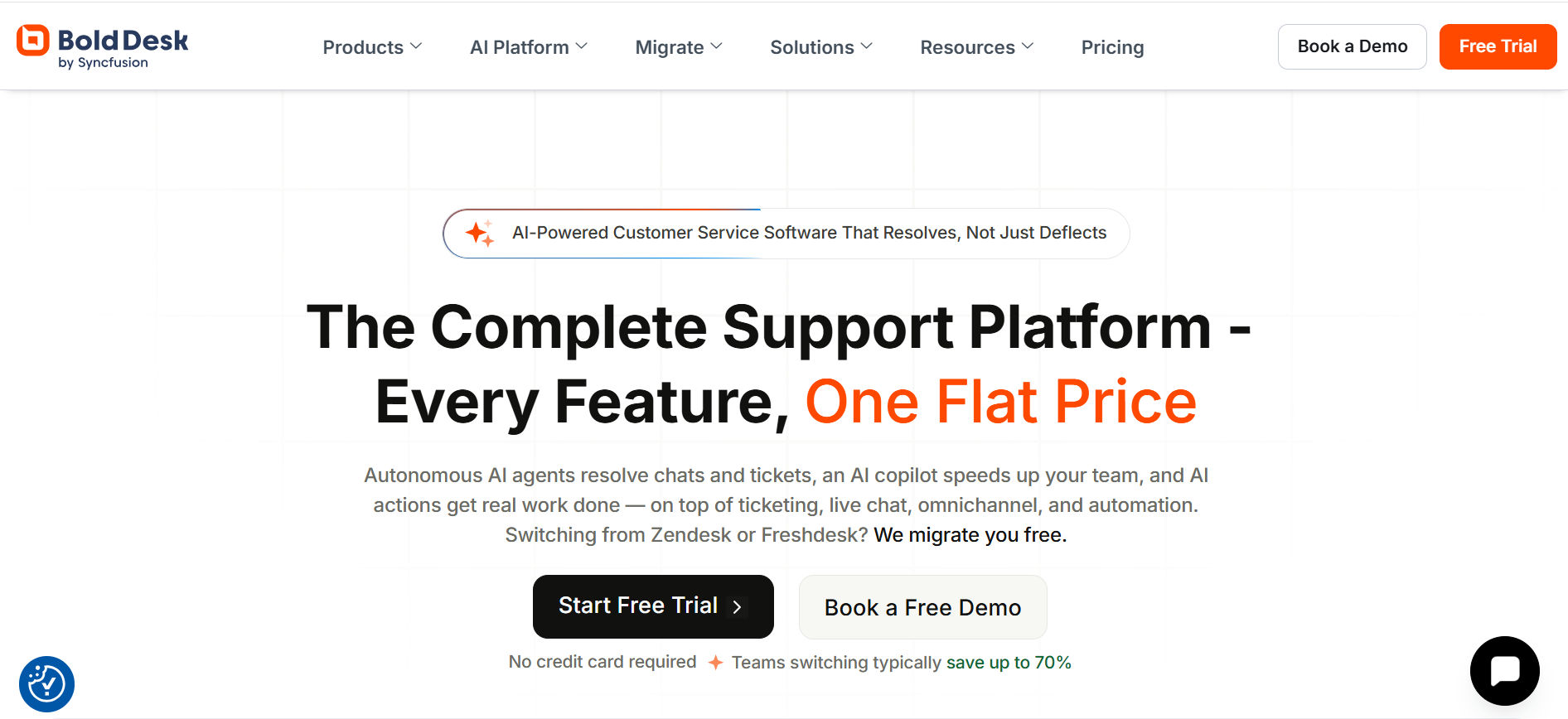
BoldDesk focuses on simple ticket management, a modern interface, and quick adoption for support teams.
Why BoldDesk Stands Out
Its clean design and straightforward workflows make it easy for teams to get started without long setup or training cycles.
Key Features
- Ticket Management: Organize and resolve requests easily.
- Collaboration Tools: Use internal notes and shared handling.
- Custom Dashboards: Personalize agent views.
- Automation Rules: Assign and prioritize tickets automatically.
- Knowledge Base: Create self-service content.
- Customer Portal: Let customers track requests.
Who Should Use BoldDesk?
BoldDesk works well for small and mid-sized businesses that value simplicity, usability, and faster deployment.
Pricing & Considerations
Its competitive pricing makes it attractive to smaller teams, though large enterprises may need more advanced capabilities.
7. ServiceNow – Best for Enterprise ITSM
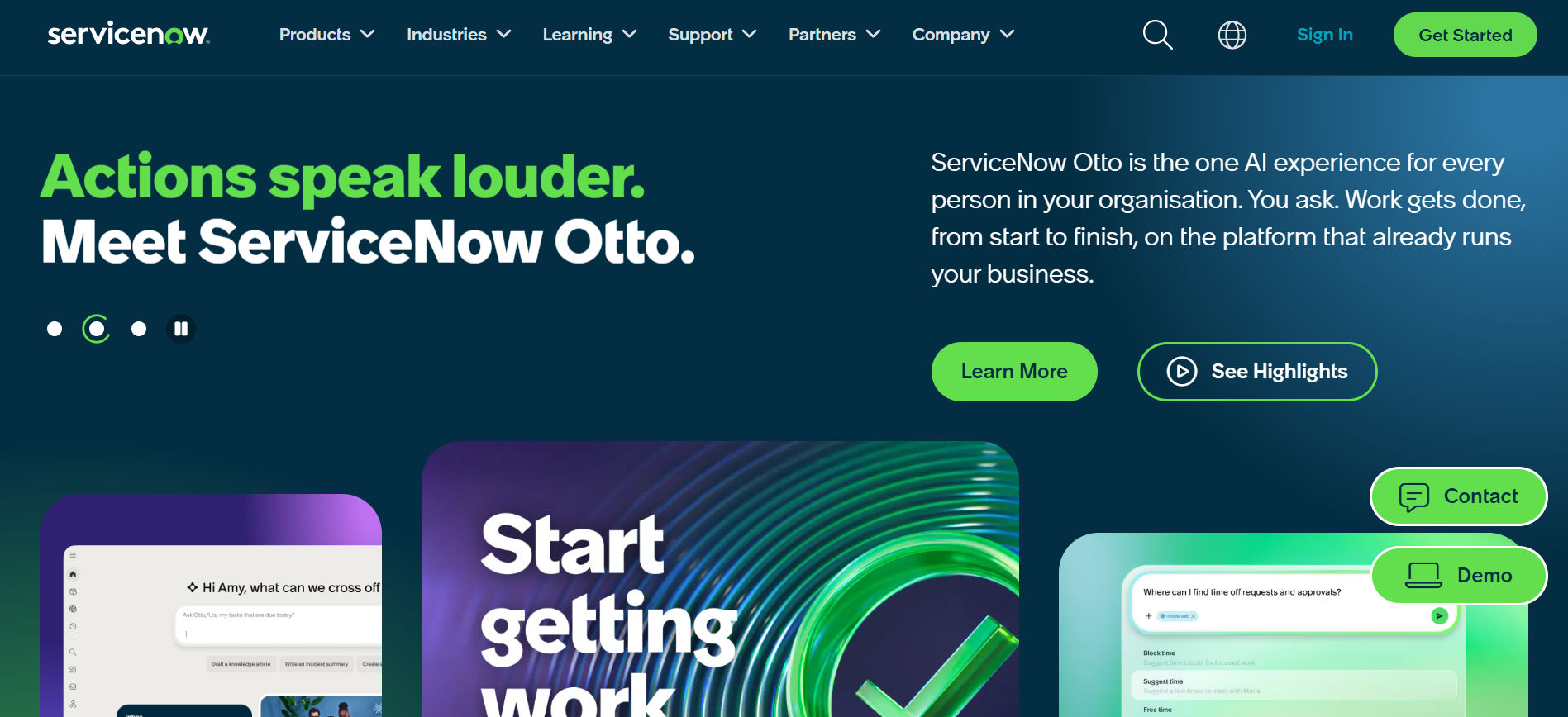
ServiceNow is an enterprise ITSM platform designed to manage complex IT and business service workflows at scale.
Why ServiceNow Stands Out
It goes beyond ticketing with incident, problem, change, workflow, and automation capabilities across IT and other departments.
Key Features
- ITSM: Manage incidents, problems, and changes.
- AI & Automation: Automate routing and service workflows.
- Enterprise Integrations: Connect with major business systems.
- Custom Workflows: Support IT, HR, Facilities, and Finance.
- Self-Service Portals: Provide employee and customer support.
- Reporting: Monitor service performance in real time.
Who Should Use ServiceNow?
ServiceNow is best suited for large enterprises with complex processes, high ticket volumes, and broad ITSM requirements.
Pricing & Considerations
It is generally positioned as an enterprise solution and may require significant setup, customization, and ongoing administration.
8. Kayako – Best for Customer Journeys
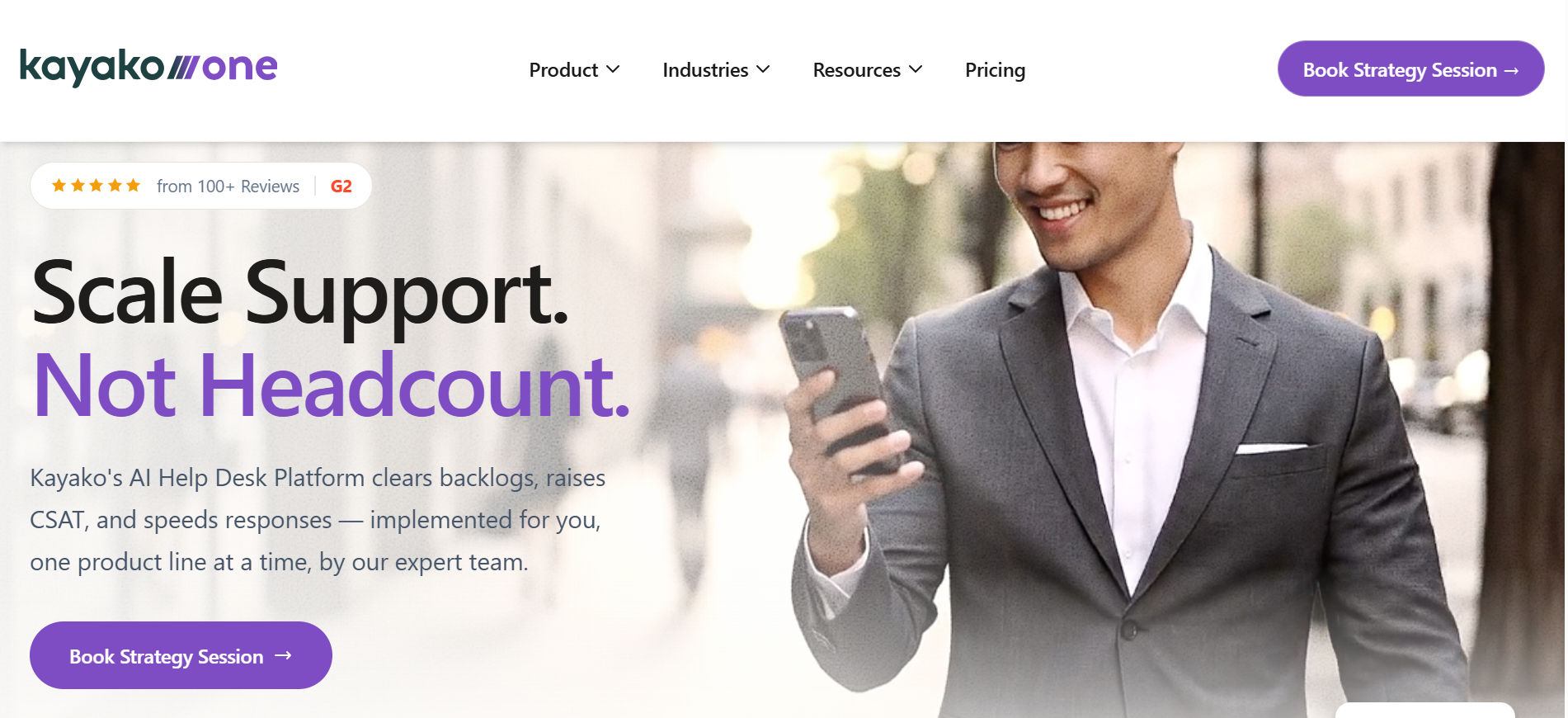
Kayako focuses on helping support teams understand the complete customer journey instead of treating every ticket as a separate interaction.
Why Kayako Stands Out
Agents can view previous conversations and customer context in one place, helping them provide more personalized and consistent support.
Key Features
- Customer Journey View: See past customer interactions.
- Multichannel Support: Manage email, chat, and other channels.
- Collaboration Tools: Coordinate through internal notes.
- Self-Service: Provide help center content.
- Custom Workflows: Automate support processes.
- Live Chat: Deliver real-time assistance.
- Customer Insights: Track service and experience metrics.
Who Should Use Kayako?
Kayako suits SaaS companies, service providers, and customer-focused businesses that value personalized support.
Pricing & Considerations
It works best for teams that prioritize customer context and relationship-driven support over advanced ITSM capabilities.
9. HappyFox – Best for Scalable Support Teams
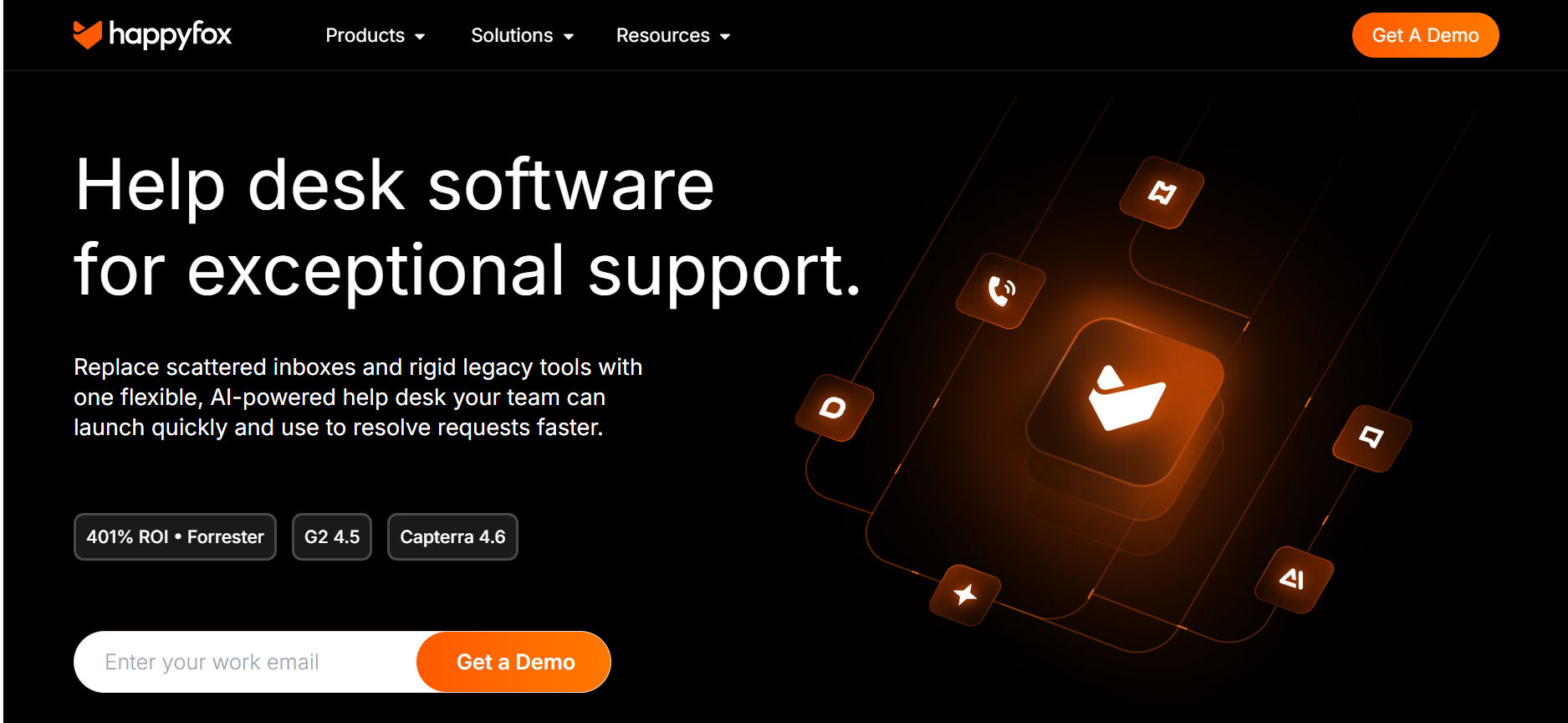
HappyFox is an all-in-one helpdesk platform designed to support growing teams, departments, and ticket volumes.
Why HappyFox Stands Out
Its flexible workflows, automation, and multi-department capabilities make it easier for organizations to scale support without changing platforms.
Key Features
- Multichannel Ticketing: Manage requests from multiple channels.
- Custom Workflows: Automate routing and escalations.
- Knowledge Base: Support customer and employee self-service.
- Team Collaboration: Improve coordination between agents.
- Automation: Reduce repetitive support tasks.
- Analytics: Measure response times and performance.
- Multi-Department Support: Support IT, HR, and service teams.
Who Should Use HappyFox?
HappyFox is a good fit for mid-sized businesses and growing organizations that expect their support operations to expand.
Pricing & Considerations
Its value is strongest for organizations that need scalability and structured workflows across several teams.
10. SysAid – Best for IT Asset Management + Helpdesk
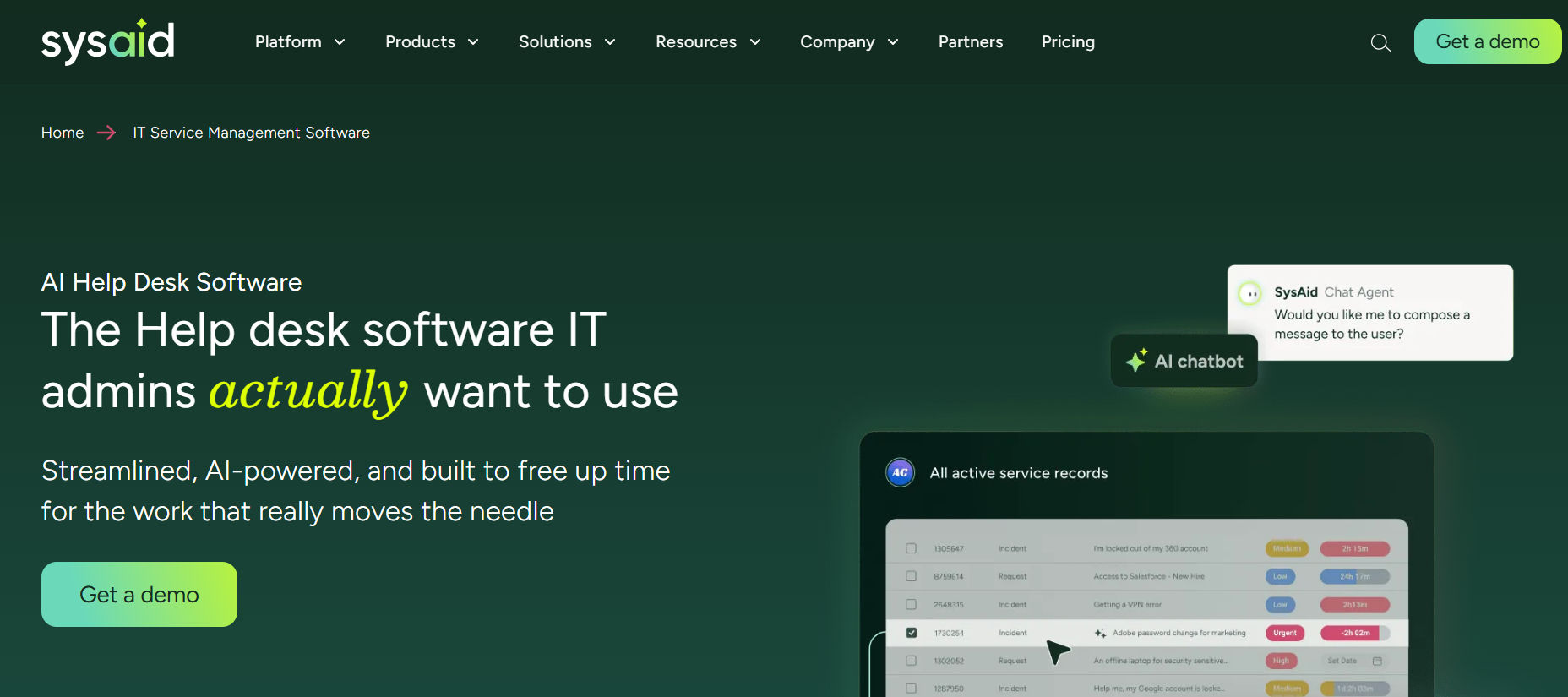
SysAid combines helpdesk ticketing with IT asset management, giving IT teams one platform to manage support requests, devices, software, and other technology assets.
Why SysAid Stands Out
Its biggest advantage is the connection between tickets and IT assets. When an employee reports an issue, support teams can quickly view the related device or software, helping them diagnose problems faster.
SysAid also uses automation and self-service to reduce repetitive work and improve IT support efficiency.
Key Features
- IT Asset Management: Track hardware, software, and licenses.
- Incident & Problem Management: Manage and resolve IT issues.
- Change Management: Control IT changes with structured workflows.
- Automation Tools: Auto-assign tickets and manage SLAs.
- Self-Service Portal: Let employees submit and track requests.
- Remote Support: Troubleshoot devices directly.
- Reporting & Dashboards: Monitor assets, tickets, and SLA performance.
Who Should Use SysAid?
SysAid is best suited for mid-sized and large IT teams that need both helpdesk and asset management capabilities in one system.
Pricing & Considerations
Pricing varies based on users, assets, and required features. Its combined helpdesk + ITAM approach can provide strong value for organizations with complex IT environments.
Helpdesk Software for Microsoft 365 (Teams and SharePoint)
For organizations already invested in the Microsoft ecosystem, adopting a Microsoft 365 helpdesk can provide unparalleled integration and ease of use. Many modern helpdesk platforms offer specialized solutions that turn existing tools like Microsoft Teams and SharePoint into a fully functional ticketing system.
Microsoft Teams Helpdesk
Employees can raise and track support tickets directly within their familiar Teams interface using a dedicated app. Agents can collaborate on complex tickets using Teams chat, keeping the discussion attached to the ticket record.

SharePoint Helpdesk
Solutions can be built or integrated to store all help desk data and documents within your SharePoint environment, providing robust security and keeping all information within your existing Microsoft infrastructure. This avoids the need for external cloud storage and simplifies user authentication using existing Microsoft credentials.
Step-by-Step Guide for Creating a SharePoint Ticketing System
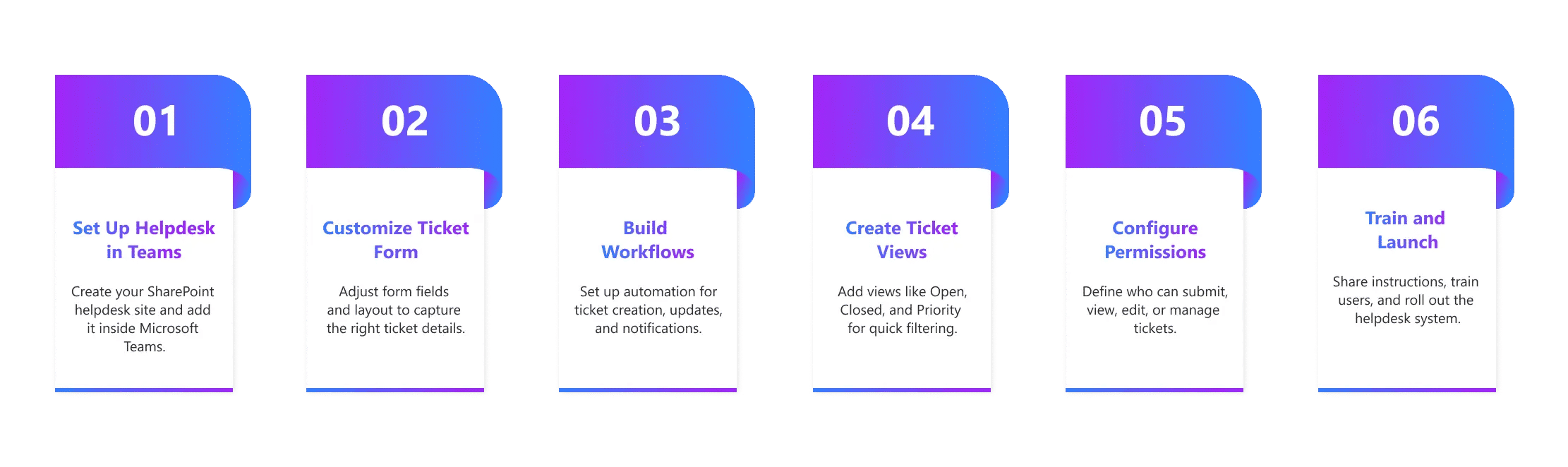
A guide for creating a SharePoint Ticketing System outlines how to build a basic helpdesk system using native Microsoft 365 tools, specifically by using a SharePoint List as the central ticketing software and Power Automate to manage submissions, tracking, and workflow automation.
1. Create the Site and List
- Set Up a Dedicated Site: Create a new SharePoint Communication or Team Site specifically to house the Help Desk. This ensures security and organization.
- Create the Ticket List: The core of the system is a custom SharePoint List that acts as the ticket tracker. Define necessary columns, such as:
Ticket ID | Title/ Description
| Requester
| Status | Priority (Choice field: Low, High, Critical)
| Assigned To (Person field for the agent)
|
2. Submission and Interface
- Create the Submission Form: Use a dedicated form tool like Microsoft Forms (or Power Apps for more complexity) to create the user input interface. Ensure the form fields match the columns in your SharePoint List.
- Link the Form to the List: Use Power Automate to create a workflow that automatically takes the data submitted via the form and creates a new item (a support ticket) in your SharePoint List.
- Customize Views: Create multiple List Views (e.g., “Open Tickets,” “My Assigned Tickets,” “Closed Tickets”) to make it easy for agents and users to filter and track progress.
3. Automation and Management
- Set Up Workflows (Power Automate): Define automation rules for key actions:
- Notifications: Send automatic email notifications to agents when a new ticket is created and to the requester when the status changes.
- Assignment: Implement logic to automatically assign tickets to specific teams or agents based on the ticket category or priority.
- Implement Permissions: Configure specific list and site permissions to control who can submit tickets (all employees) and who can view, edit, or close tickets (only support agents).
4. Enhancements
- Integrate with Teams: Embed the ticket submission form and the main ticket list view directly into a Microsoft Teams channel for easy access.
- Add a Knowledge Base: Create a separate SharePoint Page or List to serve as a simple knowledge base software or FAQ repository for self service helpdesk functionality.
A SharePoint ticketing system leverages existing Microsoft 365 helpdesk components (SharePoint, Forms, and Power Automate) to create a functional, centralized IT support ticketing system without requiring external vendor software.
.webp)
A Guide to Building a SharePoint Ticketing System for Your Team
Mistakes To Avoid When Adopting a Helpdesk System
The path to a successful help desk system implementation is fraught with common pitfalls. Avoid these mistakes for a smoother transition:
- Neglecting the Self-Service Portal
Assuming users will always raise a support ticket. An under-invested knowledge base software or self-service helpdesk means more basic requests land on your agents’ desks. - Over-Automating Too Soon
While helpdesk workflow automation is powerful, overly complex or poorly configured rules can lead to incorrect ticket routing and agent frustration. Start simple and build up. - Ignoring Agent Input
Your agents are the primary users of the ticketing software. Solicit their feedback during the selection and testing phases to ensure a frictionless agent experience. - Failing to Define SLAs and Priorities
Without clear SLA management software rules and ticket priorities, agents will struggle to manage their workload effectively, leading to missed deadlines and poor service. - Choosing Based Solely on Features
A feature-rich platform you only use 10% of can be costly. Focus on a simple, efficient tool that meets your core needs first.
Future Trends in Helpdesk Software
The future of helpdesk solutions is defined by intelligence and automation, moving beyond simple helpdesk ticket management.
- AI Helpdesk Software Dominance
AI helpdesk software will move from being an add-on to a core component. Generative AI will revolutionize knowledge management by automatically drafting articles, summarizing long ticket threads, and improving the quality of self-service. - Hyper-Automation
Advanced helpdesk workflow automation will create “self-healing” processes, where the system proactively identifies and resolves common issues before an employee or customer even raises a support ticket. - Predictive Support
Leveraging helpdesk reporting and machine learning, systems will predict potential outages or common user issues and initiate proactive communication or fixes, changing support from reactive to truly preventive. - Deeper Collaboration
Further integration with communication tools like Microsoft Teams will make internal collaboration on complex tickets virtually seamless, blurring the line between the support and development/operations teams.
This evolution ensures that your helpdesk platform remains a strategic asset, enabling your team to deliver exceptional and scalable service with maximum efficiency.
Conclusion
Helpdesk software is essential for modern teams, replacing scattered support tasks with a centralized and structured system that helps teams stay organized, respond faster, and handle issues with greater accuracy. It simplifies communication, reduces confusion, and creates a consistent way to manage requests.
With platforms like SharePoint Helpdesk, organizations benefit from easy integration within their Microsoft 365 environment, allowing teams to work in familiar tools while improving visibility across support activities. Leaders gain clearer insights through reporting, teams enjoy smoother workflows, and the overall support experience improves for both customers and employees.



Frequently Asked Questions
What does helpdesk software actually do for a team?
Helpdesk software helps teams handle questions, issues, and requests in one place. It organizes tickets, assigns them to the right people, tracks progress, and keeps everyone informed. It also helps teams respond faster and avoid missed tasks.
Who should use helpdesk software in a company?
Any team that receives requests can use it—IT, HR, Operations, Facilities, and Customer Support. Modern companies use one shared helpdesk so everyone can request help using a simple form, chat, email, or portal.
How is helpdesk software different from a shared inbox or email support?
A shared inbox does not show ownership, priority, or progress. Helpdesk software turns every request into a structured ticket with status, category, deadlines, and responsibility. This helps teams reduce confusion and improve accountability.
What features should a modern helpdesk have?
A modern helpdesk should include ticket forms, automations, approval workflows, SLAs, knowledge base, collaboration tools, analytics, and integrations with tools like Microsoft Teams and SharePoint. These features help teams reduce manual work and keep everything organized.
Why do companies switch from traditional helpdesks to modern ones?
Companies switch because older systems feel slow, hard to use, and disconnected. Modern helpdesks are easier to set up, mobile-friendly, support automation, work with team tools, and help managers understand what is happening in real time.
Try It Free, No Obligation










Schedule a free personalized 1:1 demo
By proceeding, you accept Cubic Logics’s terms and conditions and privacy policy





Please provide your contact details, we will connect with you soon!
Please provide your contact details, we will connect with you soon!
By proceeding, you accept Cubic Logics Terms and Conditions and Privacy Policy
Schedule a free personalized 1:1 demo
By proceeding, you accept Cubic Logics’s terms and conditions and privacy policy







